
To set up your account, add general info (logo, website, address etc.) and contact info of your organization under Issuer Profile Settings. This information will be used to create your public organization profile and credential pages.
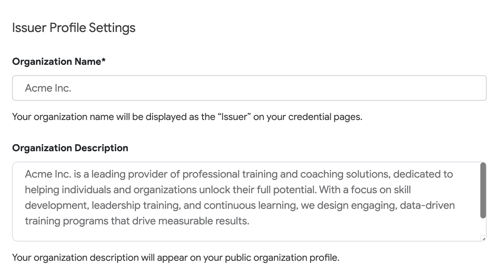
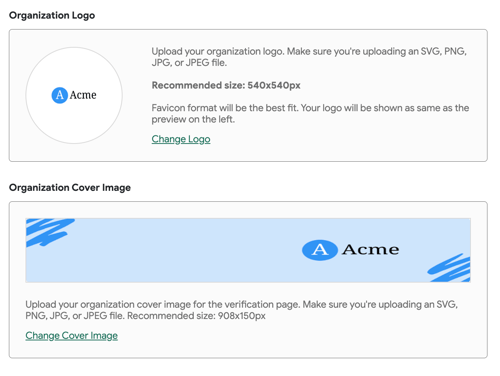
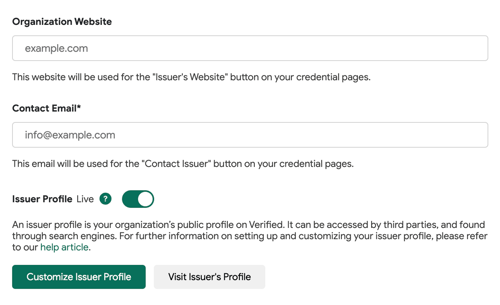
-
Your organization’s website will appear in the header of all Sertifier-hosted pages.
- Your contact email will appear on recipients’ credential pages so they can reach out to you with any questions about their credentials.
Invite Admins → Go to the Users page.
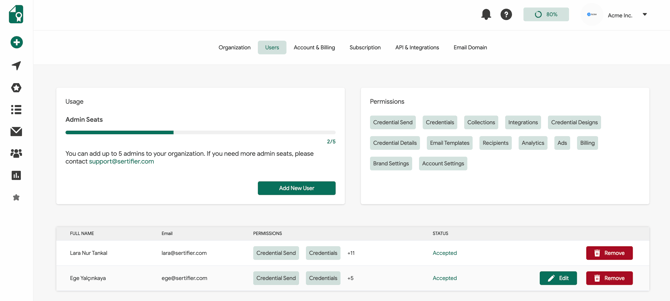
- Invite people to administrate your Sertifier account. Click “Add New User” button.
- Enter email and choose a role. Then, click “Send Invitation” button.
- You can add multiple users.
Add General Information
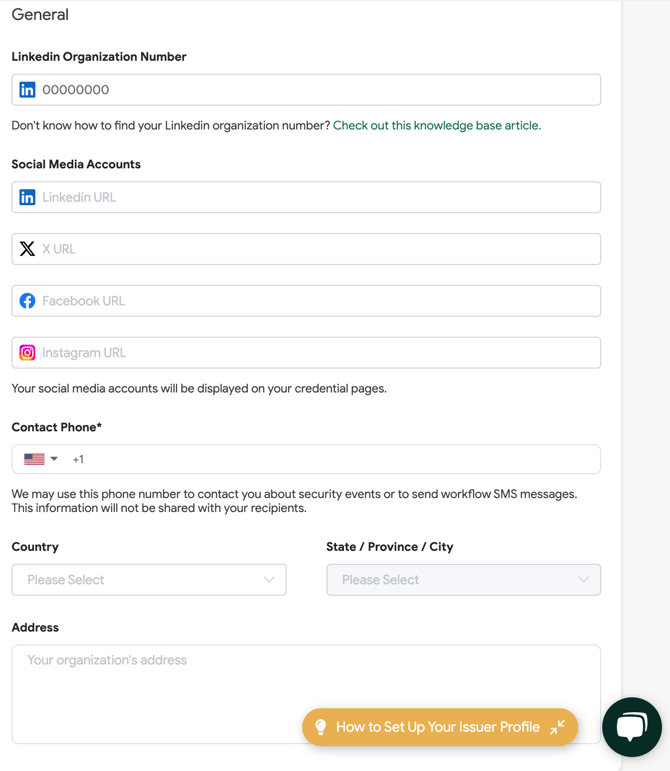
We also recommend completing the General section under Organization Settings. Providing your LinkedIn Organization Number will ensure that when credentials are shared on LinkedIn, they properly link back to your organization's profile.
Additionally, you can integrate your social media accounts, allowing them to be utilized in various parts of your Sertifier account, including email templates, the verification page, and credential pages.
Wonderful! If you've completed all of these steps, your Sertifier account is ready to use!